

Help centre
app.
Account and access
Everything you need to use FINOVEX Markets, in one place. Find information on charts, quotes, instruments, lists, alerts, the calendar and access to your account.
Clear answers for a simpler experience, organised and connected to the markets.
Charts · Quotes · Lists · Account · Support
No answers for those terms. Try other words or browse the categories.
How can we help?
Choose a topic and go straight to the answer.
Getting started
Search, open a chart, organise your lists and continue with the information available on the platform.
Search instruments and move across crypto assets, currencies, commodities, stocks and indexes in the catalogue.
Choose the asset you want to follow and select an available viewing period.
Add instruments to the lists and favourites available on your account.
Use charts, market information, the calendar and available alerts to keep your view organised.
5 questions
Prices, periods, changes and the reading shown on the charts.
Open the instrument and select one of the time windows the platform provides to see how it moves across different horizons.
The change is the move in price over the period indicated by the platform.
The available quote appears with the instrument and, when applicable, with its update reference.
Yes. FINOVEX Markets organises instruments for crypto assets, currencies, commodities, stocks and indexes.
Information follows the update provided by the corresponding source. When a time is available, it marks the moment of that reading. To read a quote, including Bitcoin, look at the price together with its time reference and source. Cryptoassets from CoinMarketCap. Currencies, commodities, shares and indices from Twelve Data. The name beside the price is the source of that reading.
3 questions
Name, symbol and asset class in the FINOVEX Markets catalogue.
Search by name or symbol in the catalogue. The record brings together the instrument and the references available for it.
The catalogue can identify an instrument even when that reading has no price reference. In that case the quote is shown as unavailable, not as zero.
The catalogue brings together crypto assets, currencies, commodities, stocks and indexes. Each row shows what is published and whether that reading has a quote.
5 questions
Favourites and lists linked to the account, when the feature is enabled.
Find the instrument and use the favourites or lists feature provided by the platform.
When the feature is enabled, lists stay associated with the FINOVEX account used on FINOVEX Markets.
Use the options in the panel to organise instruments in the way you follow them.
In your account, open the area for your markets or favourites.
While offline, the browser may show a selection kept only on this device. Once you reconnect, check the list to confirm the recent change was saved to the account.
2 questions
Price alerts when the feature is available on the account.
Once this feature becomes available on your account, you will be able to set conditions for the instruments you follow and check alert status on the platform.
Open your FINOVEX account and use the alerts area in the panel.
1 question
The economic calendar gathers events provided by the sources connected to FINOVEX Markets and organises them by date and market context.
Information follows the data provided by the corresponding source. Check the state shown in the feature itself to see what is available.
Market data
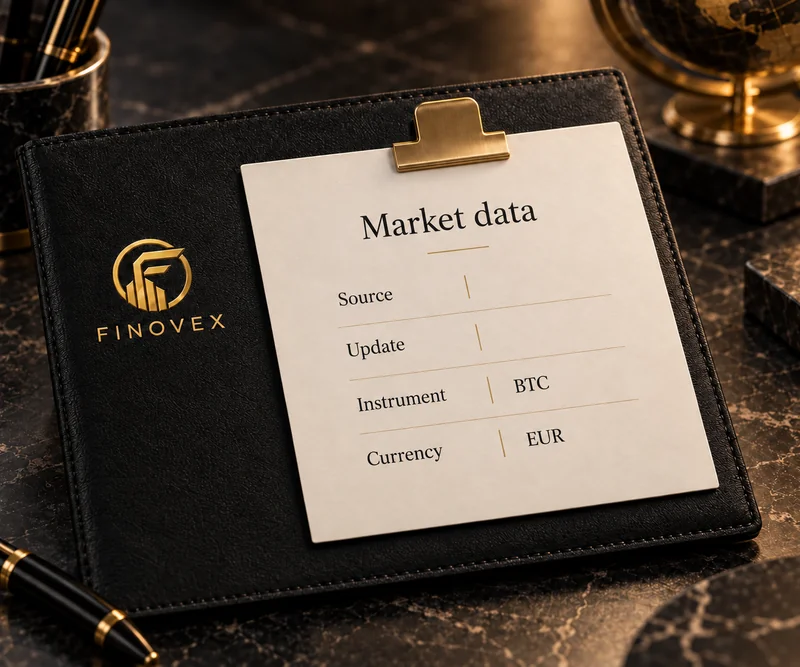
Information shown by FINOVEX Markets can combine data from market providers with information structured by the FINOVEX catalogue. When available, check the source and the time of the reading.
Source. Time. Context.
4 questions
You can browse the public areas of FINOVEX Markets without creating an account. When you sign in to your FINOVEX account, the personal features FINOVEX Markets provides become part of the experience.
No. Public areas can be browsed without registering. The FINOVEX account connects the personal features the platform provides.
No. If you already have a FINOVEX account, use the same access to enter the compatible areas of the ecosystem.
Some features may depend on the applicable checks and on the availability of the feature itself. See the status shown in your account.
Questions about the account can be handled through authenticated FINOVEX support.
4 questions
FINOVEX Markets shows the market. FINOVEX Investments connects capital to the FINOVEX strategy. FINOVEX Exchange is another experience in the ecosystem.
It is the FINOVEX ecosystem platform for viewing charts, checking quotes and following financial markets.
FINOVEX Markets is the product for viewing charts, checking quotes and following markets. FINOVEX Investments is the experience in which a contribution joins the portfolio strategies in an integrated way.
No. FINOVEX Markets is the platform for viewing and following markets. FINOVEX Exchange is a separate experience, built around the digital-asset features of that product.
FINOVEX Markets was built to view charts, check quotes and follow financial instruments. For the investment experience or other products in the ecosystem, use the matching area through the official channels.
Want to learn more about the markets?
Help explains how to use FINOVEX Markets. FINOVEX Academy goes deeper into markets, assets, technology and economics.

Guides
Short paths for the most common actions. Each guide opens the matching answer in this centre.
The path from the platform to the instrument.
The time windows available on the chart.
The favourites feature on the account.
Lists for organising what you follow.
Origin and time next to the quote.
Price conditions when the feature is on the account.
Useful answers
Shortcuts for charts, lists, changes, sources and alerts.
Period, price and how to read the series.
Favourites and lists on the account.
What the number for the period describes.
Origin and moment of the reading.
Conditions followed on the platform.
Tracking and the integrated portfolio.
Account, platform, institutional information and the official community follow different paths.
app.
Account and access
markets.
Markets and information
finovex.
Institutional information
t.
Official Telegram · content and updates
finovex.
Public form for anyone who cannot sign in to their account
Eight answers to start with. The rest of the centre covers each feature.

Help
Explore the guides, find information about the platform, or open your account for support tied to your FINOVEX experience.
Find. Understand. Continue.